
Employee Resources
Access your Benefits
Employee Self-Service
Access your health and retirement benefits as well as Employee Self Service to view your paystub, leave balances and more.
How to log in to GDBenefits.com
Use the account and password you set up for www.gdbenefits.com (Fidelity) to access both Employee Self Service and gdbenefits.com.
If you have difficulty logging in, click on the “Having trouble with username or password” link to identify your username or reset your password.
How to Access Employee Self Service on GDBenefits.com
- Log in to gdbenefits.com
- Once logged into the General Dynamics Service Center (gdbenefits.com) homepage, scroll down until you see the GD ESS link.
- After clicking the GD ESS link, select Go to GD ESS to access Employee Self Service (ESS).
Need Assistance?
We hope you find this new streamlined approach for accessing GD Services easy and convenient. If you have questions or issues, please contact the Help Desk.
Helpful Contact
Information

Employee Call-In Numbers
Call within 1 hour of the start of shift
- LS6 Employees: 207-442-1444 or 1-800-243-9747
- LS7 Employees: 207-442-3456 or 1-866-805-3665
- BMDA Employees: 207-442-4890 or 1-866-805-3665
Emergency Numbers
- Bath: 207-442-2222
- Structural Fab, Outfit Fab: 207-442-1222
- CROF, Tech Center, Bisson: 207-442-2222
- Employee Assistance Program (Life365 Hotline): 877-622-4327
Status Updates
Facility Hotline
Call the Facility Hotline to receive status updates on BIW’s facilities and shifts, including storm delays/closures, power outages and emergencies.
In the event that you call during a period of high volume traffic, and you are not directly connected to the facility/shift status announcement, your call will be placed in a queue. Please be patient. Your call will be automatically connected to the facility/shift status announcement in the order your call was received. Hanging up and calling back may delay your ability to access this information in a timely manner.
When calling locally, select menu prompt ‘2’ for status.
Information Updates
The Hotline information will be updated according to the following schedule:
- First Shift, 4:30 a.m.
- Mid Shift, 10:00 a.m.
- Second Shift, 1:00 p.m.
- Third Shift, 7:30 p.m.
Please be aware: We do our best to inform local TV and radio stations of changes in shift status, but these sources may not always be current. You must check with the HOTLINE to be sure about shift status.
Sign Up for GroupCast (Automessenger)
GroupCast is a service that can send notifications about plant status and other important information via text message. To opt-in to our emergency notification list, click the button below.
Note: BIW-issued cellphones are automatically enrolled in GroupCast. Signup for newly-issued phones may take up to a month.
111124
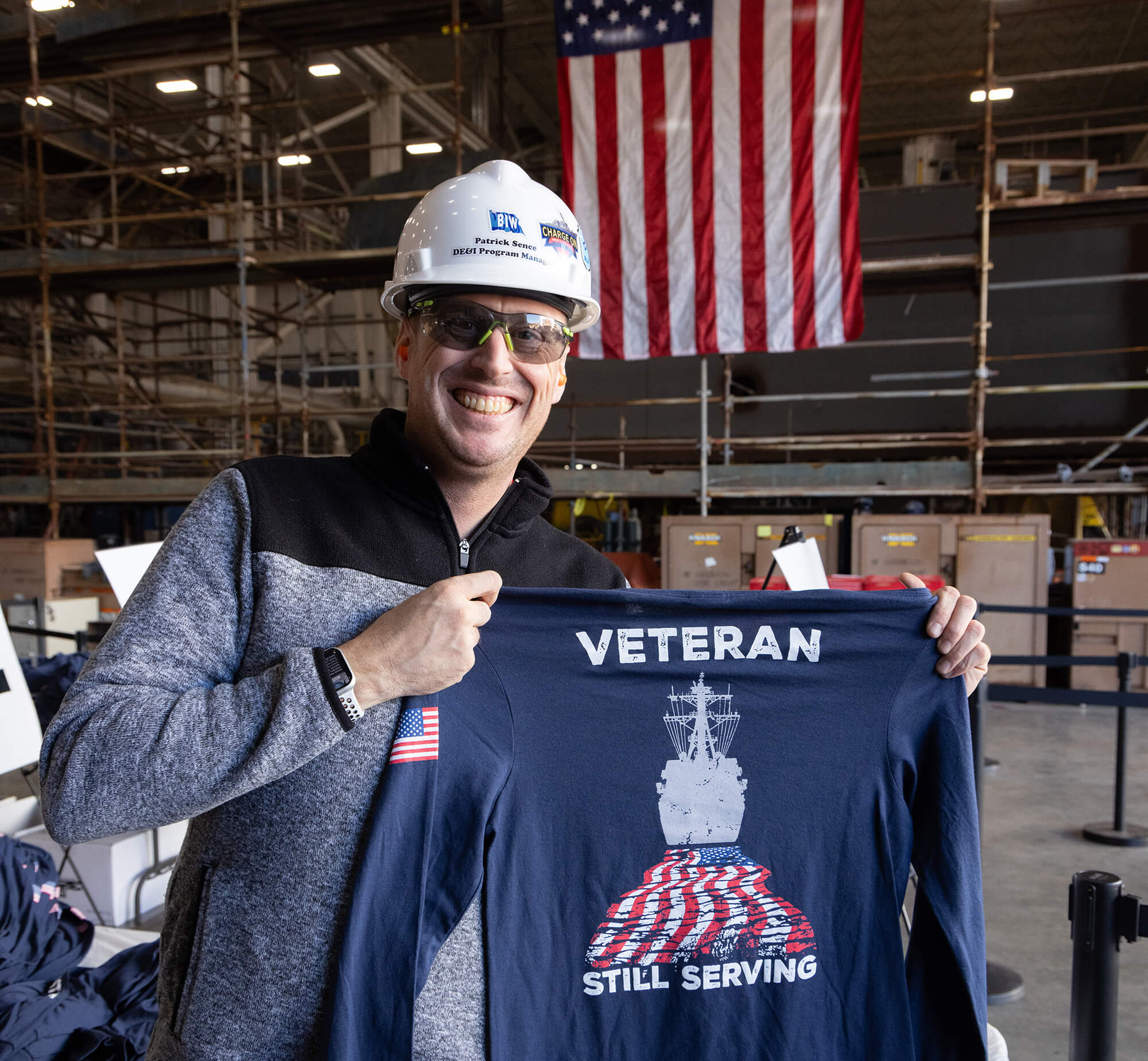
Voluntary, Confidential Self-Reporting
Update Your Military and Disability Status
Your self-reported information helps BIW evaluate the effectiveness of our equal employment and affirmative action efforts. Having better data allows us to develop plans and strategies that improve the work experience at BIW.
Adding this information to your employee profile is strictly voluntary, and your information is kept confidential.
You can voluntarily self-identify your military status and/or disability status in the Employee Self Service (ESS) portal.
Once in the ESS portal, locate Military/Veteran Status under Personal Information to update your status.
Stay Informed

Read BIW News, our company’s newsletter that keeps you in the know.
Hear about shipyard happenings straight from our president.

Explore the employee calendar to see a list of upcoming events.
Return to Work
LS6 employees must present to the Employee Health Dept. when returning to work following a medical absence of five (5) or more days and must provide
- Return to Work Certification Form – Click here
- Cardiac Clearance Form – Click here
Appropriate documentation from health care provider should include:
- Date/Employee Name/DOB/Badge Number
- Dates of absence
- Note of most recent date that provider saw employee
- Return to work date
- Acknowledgement of provider review of employee’s PTA
- Confirmation of employee’s return to work with or without restrictions
- Indication of narcotic/scheduled medication use with name/dose
- Signature of Physician/Nurse Practitioner/Physician’s Assistant
Get to and From Work
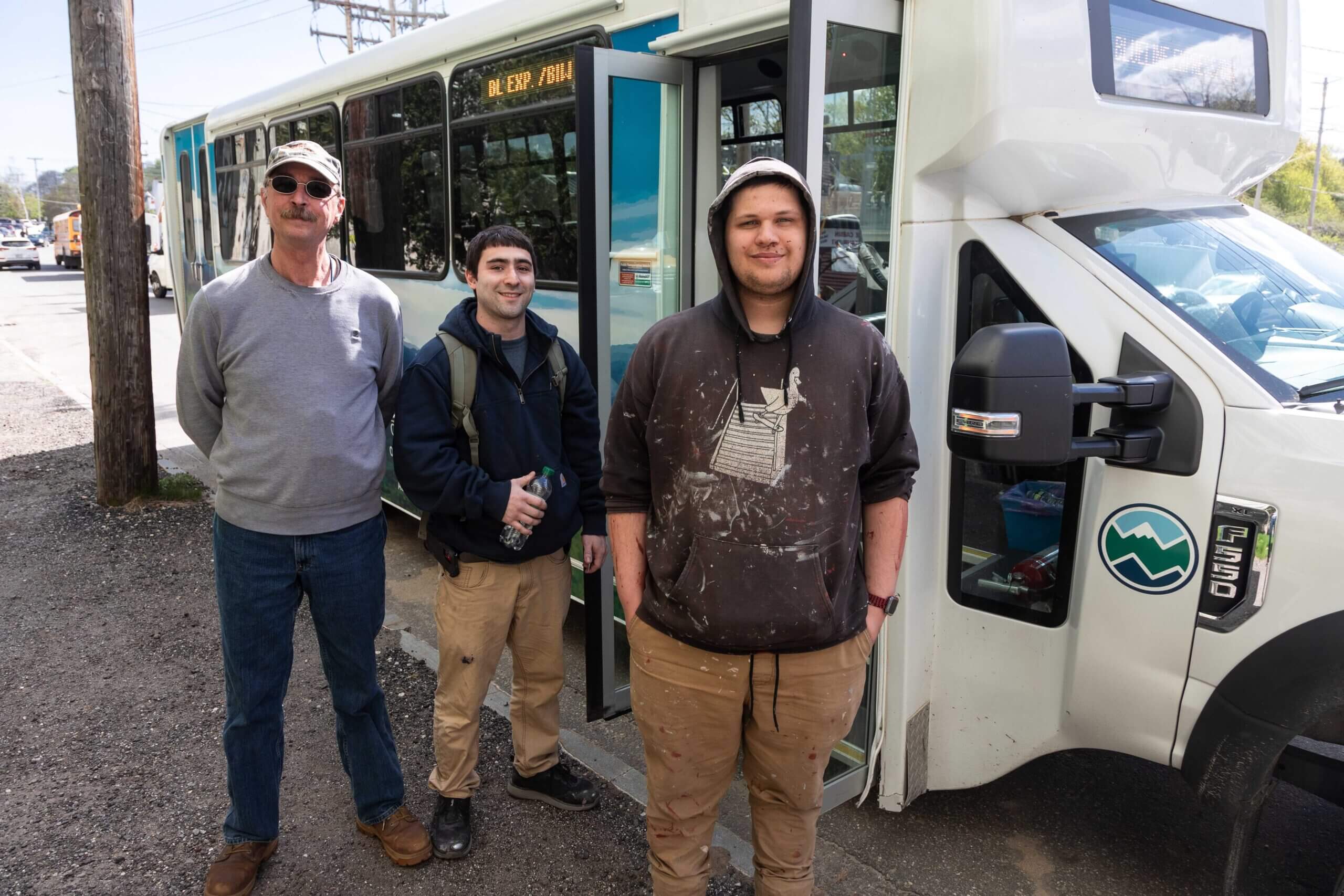
Parking & Transportation
Learn about the parking and transportation options available, from park & rides to commuter programs.
Food Truck Schedule
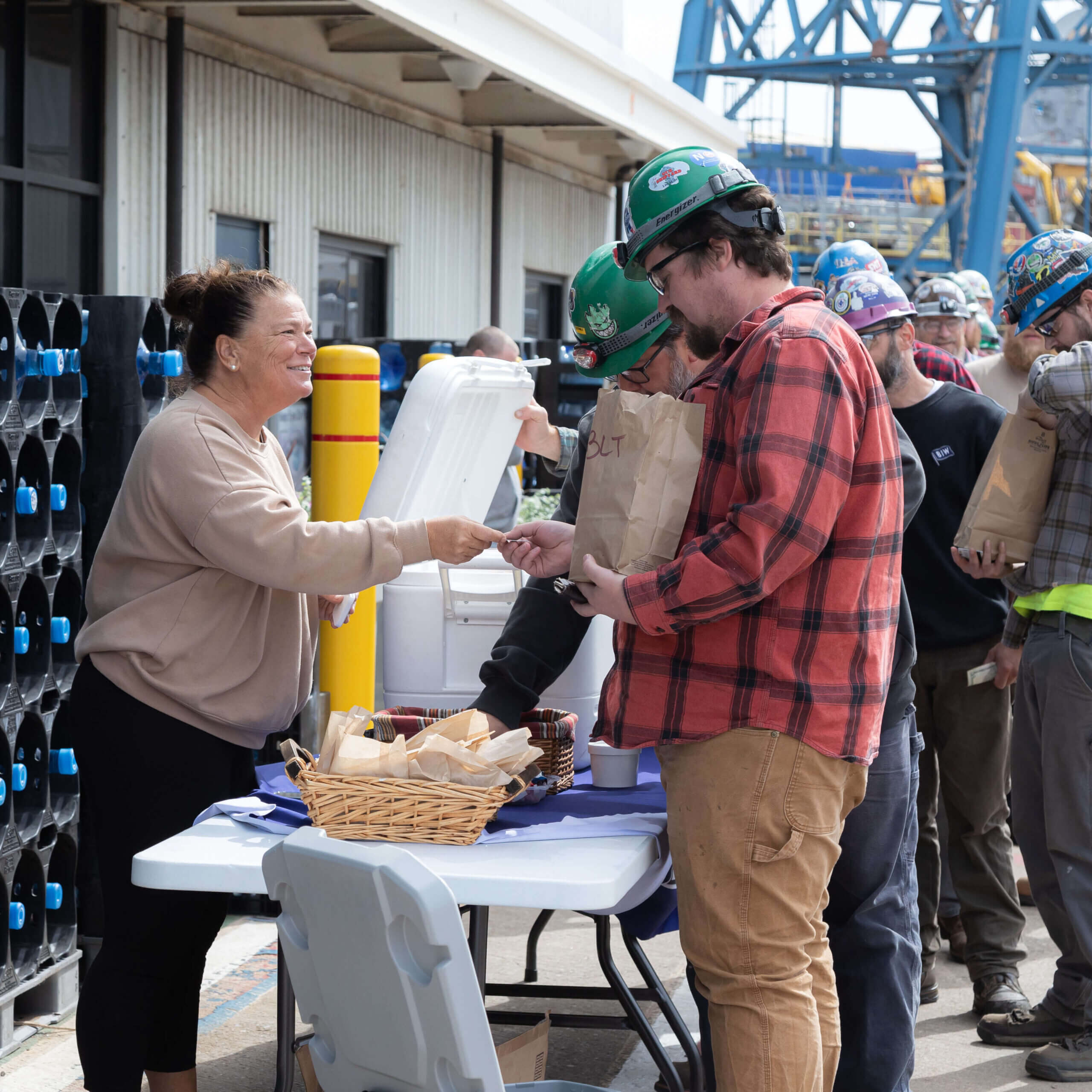
Food trucks are stationed at the Main Yard to provide more lunch options for shipbuilders.
In case of inclement weather, check your favorite food truck’s social media pages to see whether they will be in the yard.
Fiona’s – First Shift
Main Yard (Monday to Friday)
6:10–7 a.m. – West Gate
11:30 a.m. – Outside MSC
12 p.m. – Main Gate Flag Pole
Sisters Gourmet Deli – First Shift
Main Yard (Monday to Friday)
11:30 a.m. – Outside MSC
12–12:10 p.m. (or until sold out) – Main Gate Flag Pole
Fishermen’s Net – First Shift
Delivery to Offsite Locations
Monday, 12:00 p.m.–12:30 p.m. – CROF
Tuesday, 11:30 a.m.–12 p.m. – Outfit Fab
Wednesday, 11:30 a.m.–12 p.m. – Structural Fab
Thursday, 12:00 p.m.–12:30 p.m. – Tech Center
Friday, 11:30 a.m.–12 p.m. – Trades Learning Center
* Sister’s orders must be received prior to 10:30 a.m. Call or text 207-321-9443 to order.
The latest from Health Beat
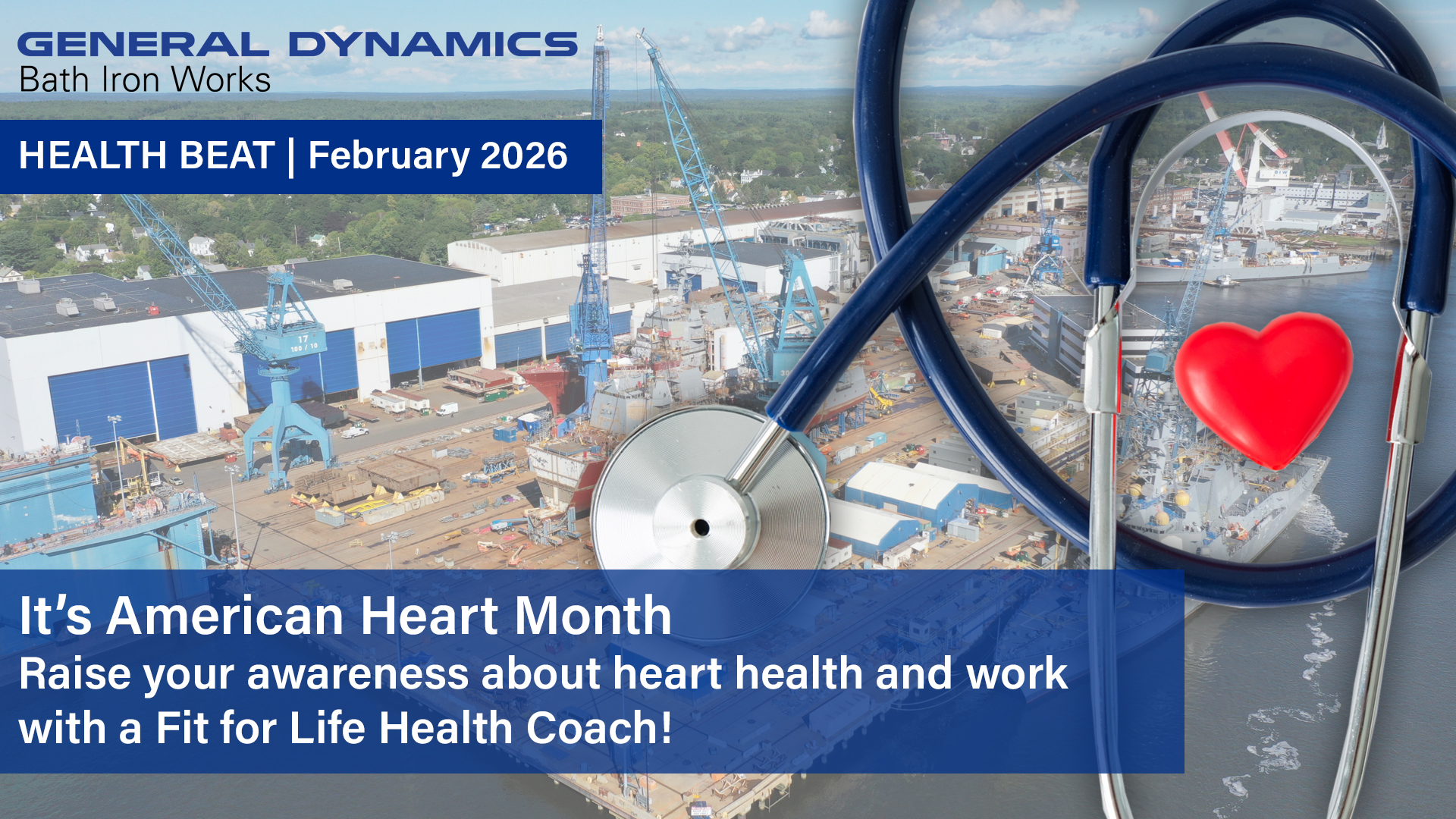
Health Beat is a monthly newsletter focusing on the health and well-being of our employees and how you can take advantage of your General Dynamics benefits to lead a healthier life.




Continue exploring